
POS with stock management: know what you have, always
Every sale reduces stock and every purchase adds it, so your shelves and your system match. NewHope POS warns you before an item runs out and never lets you sell stock you do not have.
Start free trial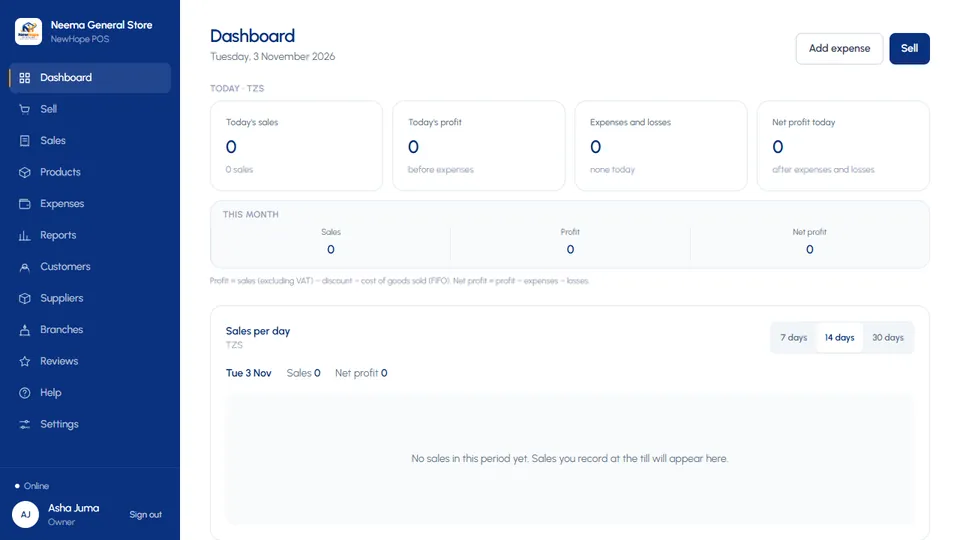
Stock that updates itself
Stock goes down at the moment of sale, on any device, even offline. Restock when goods arrive and record the cost, so every batch is tracked.
- Low-stock and out-of-stock alerts on the dashboard
- Sale blocked when stock is not enough
- Searchable common categories for every product
Honest cost and profit with FIFO
Goods are costed first-in, first-out, so profit reflects what you really paid for the items you sold, even when prices change between deliveries.
- Stock value report
- Margin per product, sort by lowest margin
- Losses recorded for damaged, expired or missing goods
Suppliers and purchases
Record what you buy from each supplier, what you have paid and what you still owe them.
- Purchase history per supplier
- Part payments and balances
- Restock straight from the product list
Frequently asked questions
Can I sell more than I have in stock?
No. NewHope POS refuses a sale when the stock is not enough, and you can mark services that do not use stock.
How do I know when to reorder?
The dashboard lists items that are running low and sold out. Professional and Enterprise packages add AI stock alerts and predictions.
Does stock work offline?
Yes. The device keeps its own stock figures and corrects them when it syncs.